
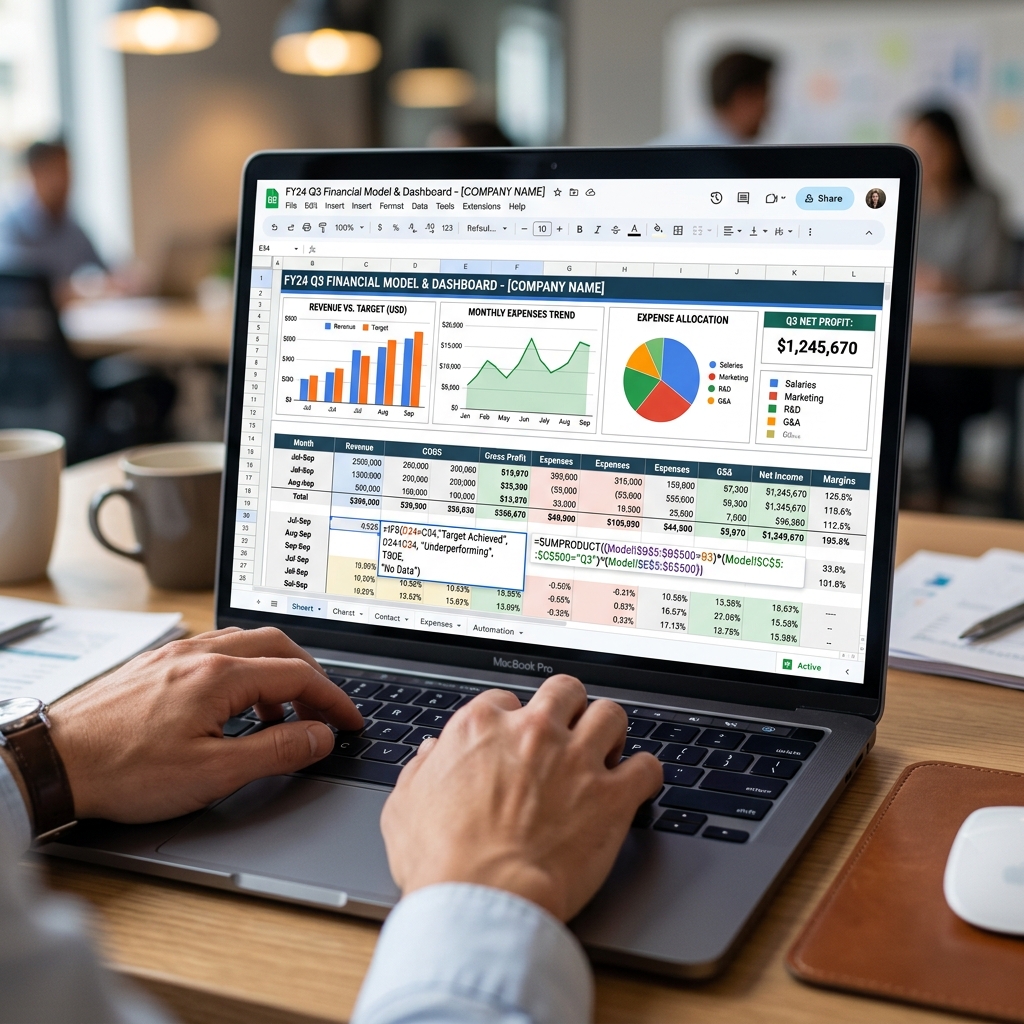
Many finance managers in Mumbai spend the first week of every month copying and pasting bank statements, manually categorizing transaction lists, and chasing vendors for overdue invoices. While enterprise ERPs handle heavy accounting transactions, Google Sheets remains the preferred tool for financial modeling, ad-hoc reporting, and team collaboration. Manually maintaining these spreadsheets consumes valuable hours and introduces error risks. Implementing a target Google Sheets automation script for finance tasks can turn dynamic spreadsheets into automated systems, allowing your team to focus on strategic analysis rather than data entry.
Script 1 — Auto-Generate Monthly P&L from Raw Data
Most finance teams maintain a raw journal entry tab where transactions are recorded daily. Generating a Profit and Loss (P&L) statement from this data typically involves writing complex SUMIFS formulas that break when new rows are added.
This Apps Script scans your raw data sheet, automatically groups transactions by category, aggregates the values for the selected month, and formats a clean P&L summary on a new sheet:
function generateMonthlyPL() {
  var ss = SpreadsheetApp.getActiveSpreadsheet();
  var rawSheet = ss.getSheetByName("Raw_Transactions");
  var plSheet = ss.getSheetByName("PL_Summary") || ss.insertSheet("PL_Summary");

  plSheet.clear();
  plSheet.appendRow(["Revenue Category", "Amount (INR)"]);

  var data = rawSheet.getDataRange().getValues();
  var categories = {};

  for (var i = 1; i < data.length; i++) {
    var category = data[i][2]; // Column C: Category
    var amount = parseFloat(data[i][3]); // Column D: Amount

    if (category && !isNaN(amount)) {
      categories[category] = (categories[category] || 0) + amount;
    }
  }

  for (var cat in categories) {
    plSheet.appendRow([cat, categories[cat]]);
  }

  plSheet.getRange("A1:B1").setFontWeight("bold").setBackground("#1d3557").setFontColor("#ffffff");
}
Script 2 — Bank Reconciliation Automation Using VLOOKUP + Apps Script
Reconciling your bank passbook statements with internal sales ledgers is a tedious process. This automation script matches transactions by reference numbers and transaction values. If it finds a match, it marks it green; if it finds a variance, it flags it in red and sends a summary email alert to the finance team.
function runBankReconciliation() {
  var ss = SpreadsheetApp.getActiveSpreadsheet();
  var bankSheet = ss.getSheetByName("Bank_Statement");
  var ledgerSheet = ss.getSheetByName("Ledger_Data");

  var bankData = bankSheet.getDataRange().getValues();
  var ledgerData = ledgerSheet.getDataRange().getValues();

  var ledgerMap = {};
  for (var j = 1; j < ledgerData.length; j++) {
    var refNo = ledgerData[j][1]; // Column B: Reference No
    ledgerMap[refNo] = ledgerData[j][2]; // Column C: Amount
  }

  for (var i = 1; i < bankData.length; i++) {
    var bankRef = bankData[i][1];
    var bankAmount = bankData[i][2];

    if (ledgerMap[bankRef] !== undefined) {
      if (ledgerMap[bankRef] == bankAmount) {
        bankSheet.getRange(i + 1, 1, 1, 3).setBackground("#d4edda"); // Green match
      } else {
        bankSheet.getRange(i + 1, 1, 1, 3).setBackground("#f8d7da"); // Red mismatch
      }
    } else {
      bankSheet.getRange(i + 1, 1, 1, 3).setBackground("#fff3cd"); // Yellow missing
    }
  }
}
Script 3 — GST Filing Prep: Auto-Categorise Invoices by Tax Rate
Before uploading your sales data to GSTR-1, you must categorize your invoices based on GST rates (5%, 12%, 18%, and 28%). Doing this manually for thousands of line items invites human errors that can trigger GST audit notices.
This script scans your invoice register, matches the product codes against your tax master sheet, and calculates CGST, SGST, and IGST components automatically based on the customer's state code.
function categorizeGSTInvoices() {
  var ss = SpreadsheetApp.getActiveSpreadsheet();
  var salesSheet = ss.getSheetByName("Sales_Register");
  var data = salesSheet.getDataRange().getValues();

  for (var i = 1; i < data.length; i++) {
    var baseValue = data[i][4]; // Column E: Taxable Value
    var rate = data[i][5]; // Column F: GST Rate (e.g. 0.18)
    var stateCode = data[i][6]; // Column G: State

    var gstAmt = baseValue * rate;
    if (stateCode.toLowerCase() === "maharashtra") {
      salesSheet.getRange(i + 1, 8).setValue(gstAmt / 2); // Column H: CGST
      salesSheet.getRange(i + 1, 9).setValue(gstAmt / 2); // Column I: SGST
      salesSheet.getRange(i + 1, 10).setValue(0); // Column J: IGST
    } else {
      salesSheet.getRange(i + 1, 8).setValue(0);
      salesSheet.getRange(i + 1, 9).setValue(0);
      salesSheet.getRange(i + 1, 10).setValue(gstAmt); // Column J: IGST
    }
  }
}
Scripts 4 & 5 — Cash Flow Tracker and Vendor Payment Reminder Bot
Managing cash flows requires a forward-looking perspective. Setting up a rolling 13-week cash flow projection helps founders anticipate cash crunches. Running alongside this projection, a payment reminder bot tracks vendor invoice due dates and automatically sends structured email alerts when payment dates are within 3 days.
function sendVendorPaymentReminders() {
  var ss = SpreadsheetApp.getActiveSpreadsheet();
  var sheet = ss.getSheetByName("Vendor_Payables");
  var data = sheet.getDataRange().getValues();
  var today = new Date();

  for (var i = 1; i < data.length; i++) {
    var vendorName = data[i][0];
    var invoiceDate = new Date(data[i][1]);
    var dueDate = new Date(data[i][2]);
    var amount = data[i][3];
    var email = data[i][4];
    var status = data[i][5];

    var daysLeft = Math.ceil((dueDate - today) / (1000 * 60 * 60 * 24));

    if (status.toLowerCase() === "pending" && daysLeft <= 3 && daysLeft >= 0) {
      var subject = "Upcoming Payment Notice: Invoice " + vendorName;
      var body = "Hi Team,\n\nThis is an automated reminder that payment of INR " + amount + " to " + vendorName + " is due on " + dueDate.toDateString() + ".\n\nBest,\nFinance Team";
      MailApp.sendEmail(email, subject, body);
    }
  }
}
While these basic tools are highly useful, scaling teams require structured ERP workflows. If you find your spreadsheet systems breaking, learn about Sakhla Shah & Associates's spreadsheet automation service for businesses in Mumbai to deploy enterprise-grade Google Apps Script utilities and custom financial models.
Conclusion
Automating repetitive finance tasks in Google Sheets frees your accounting team to focus on capital optimization and risk management. By replacing manual copy-paste workflows with targeted scripts, you dramatically reduce compliance error rates and accelerate monthly close cycles.